Please check your user information (Error Code: PN-1371-1) #
Hata Message: “Please check your user information!”
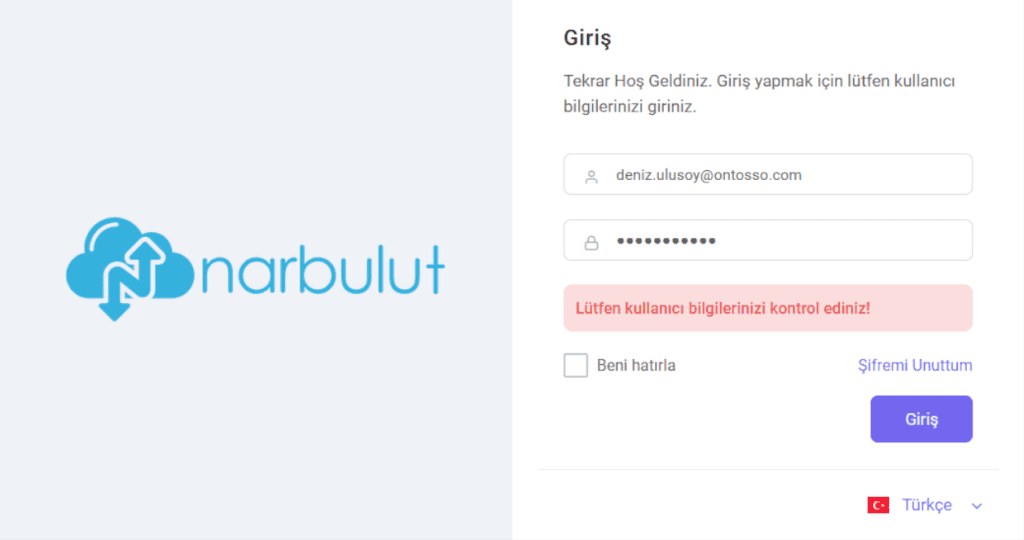
Explanation: No records were found matching the entered user information.
Solution:
For dealers:
- ” on the panel login screen.I Forgot My PasswordClick the ” button.
- Enter your e-mail address and click “SendClick the ” button.
A password reset email will be sent to your email address.
For administrators:
If an end user affiliated with your organization cannot log in;
- on your computer https://login.narbulut.com Go to. Log in with your user information.
- Organizasyon > Users Select the user you want to send a password reset email to from the menu and

- “Reset PasswordClick the ” button.
A password reset email will be sent to the user.
If you cannot log in;
- ” on the panel login screen.I Forgot My PasswordClick the ” button.
- Enter your e-mail address and click “SendClick the ” button.
A password reset email will be sent to your email address.
For End Users:
Metot 1 :
- ” on the panel login screen.I Forgot My PasswordClick the ” button.
- Enter your e-mail address and click “SendClick the ” button.
A password reset email will be sent to your email address.
Metot 2 :
Contact your system administrator.


