How to Back Up the Data on Your QNAP NAS Devices to Narbulut Object Storage Service (NOSS S3)?
Back up easily with Narbulut!
How to Back Up the Data on Your QNAP NAS Devices to Narbulut Object Storage Service (NOSS S3)?
What is Object Storage?
Object Storage is a storage architecture used in cloud computing that allows users to store large amounts of files and access these files from anywhere. The Object Storage storage method stores users’ files in buckets as objects, each with a unique key.
Narbulut’s Object Based Storage Service
You can store your data in Narbulut Object Storage Service (NOSS), Narbulut’s object-based storage infrastructure. This article; It will talk about how to use NOSS as storage space on QNAP NAS devices, on HBS Hybrid Backup Sync, the backup and synchronization application developed by QNAP.
Using NOSS as Storage
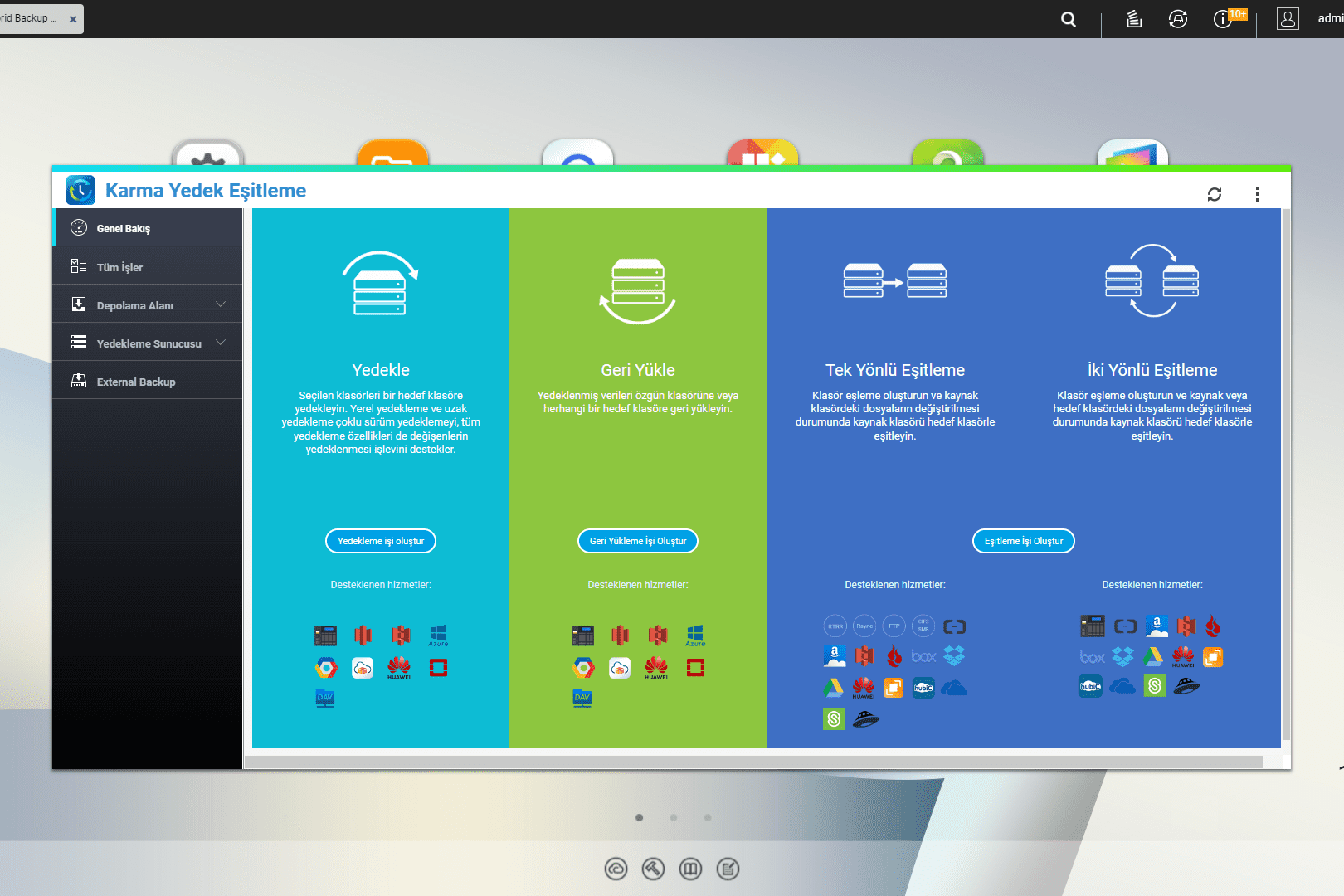
1. HBS Hybrid Backup Sync enter the application. (If the application is not installed on your device App Center Download the application from.)
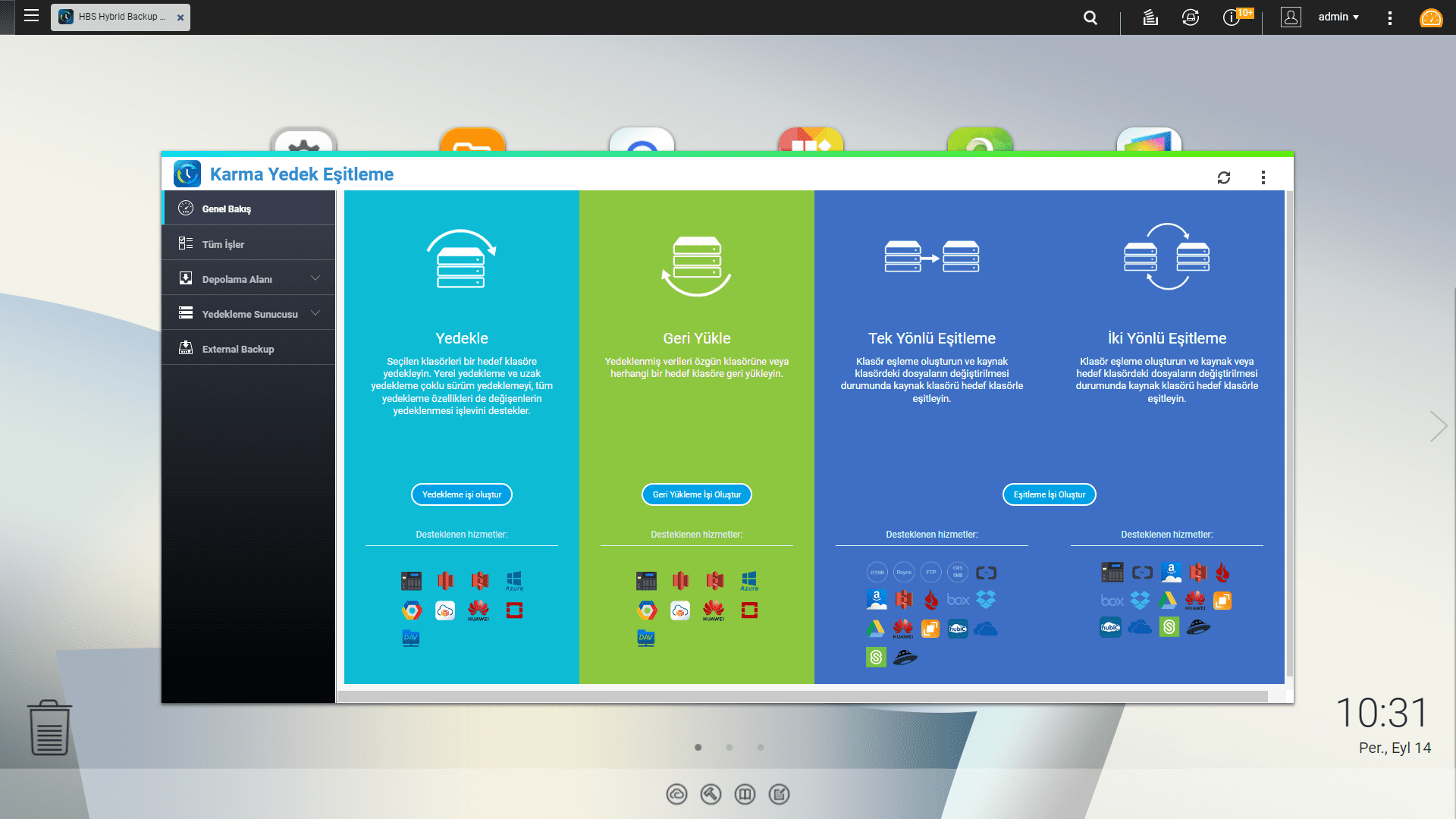
2. From the left toolbar Storage Space enter the menu.
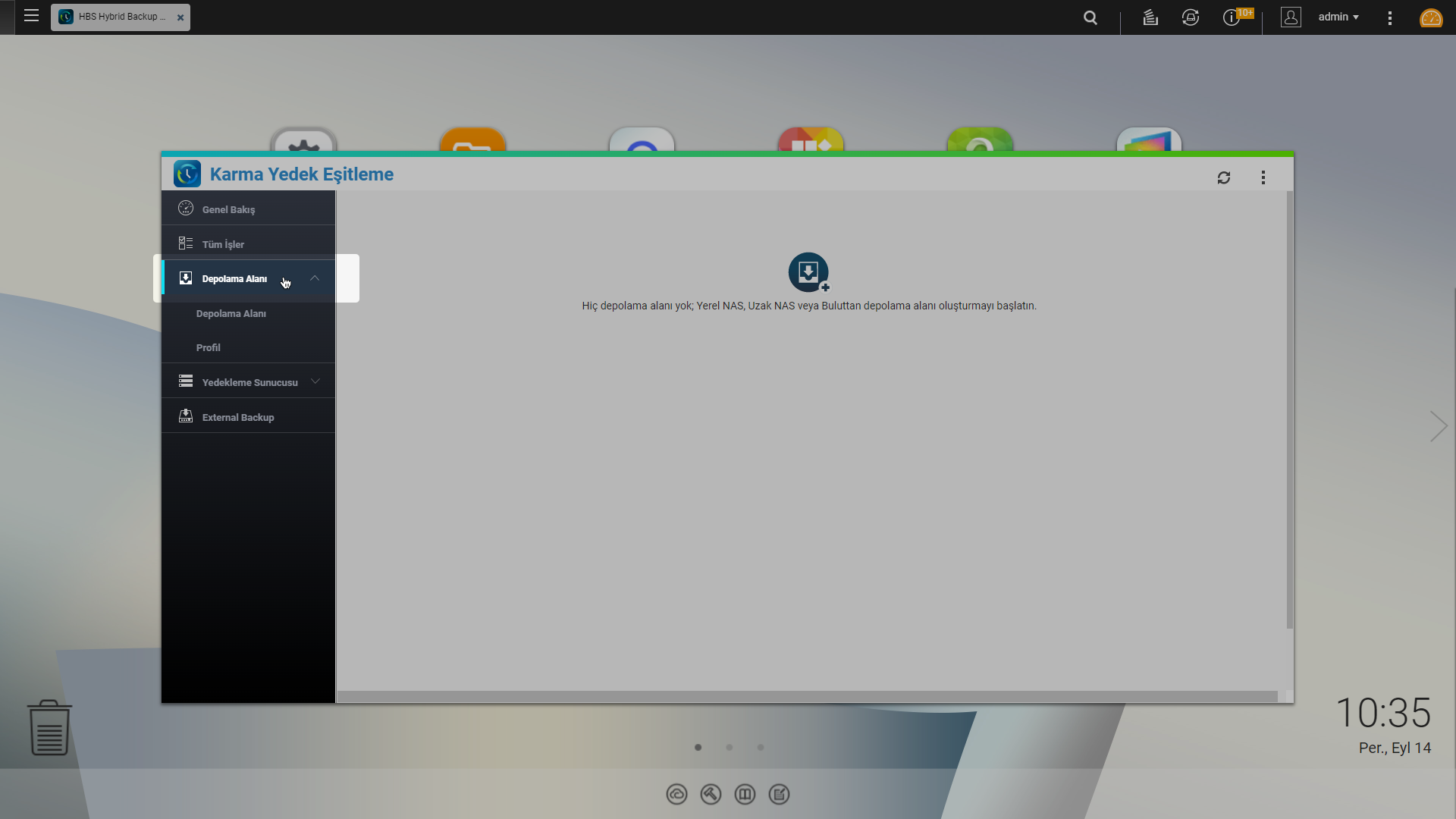
3. Start creating a new storage space.
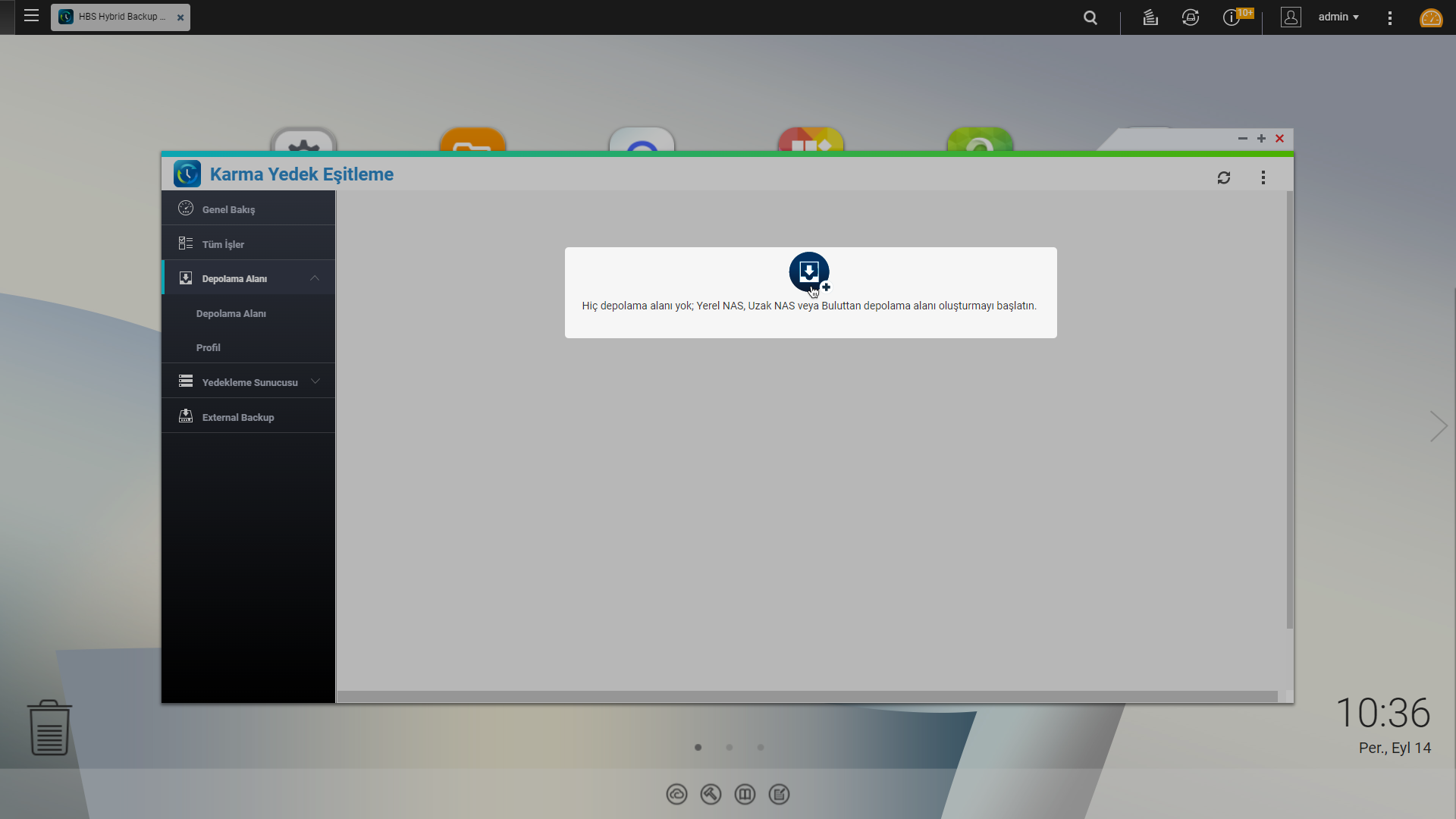
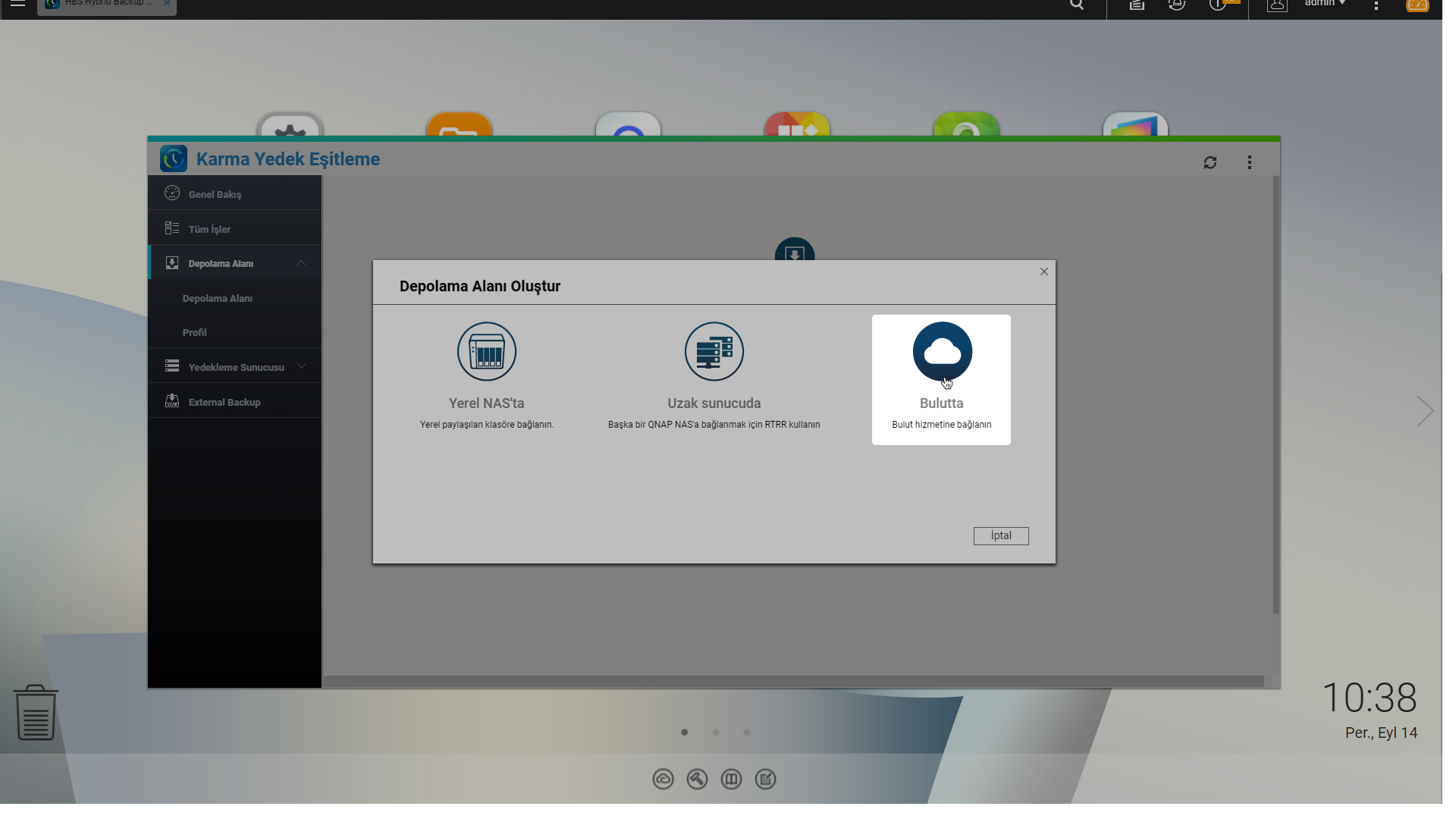
4. Type of storage Bulutta Select as.
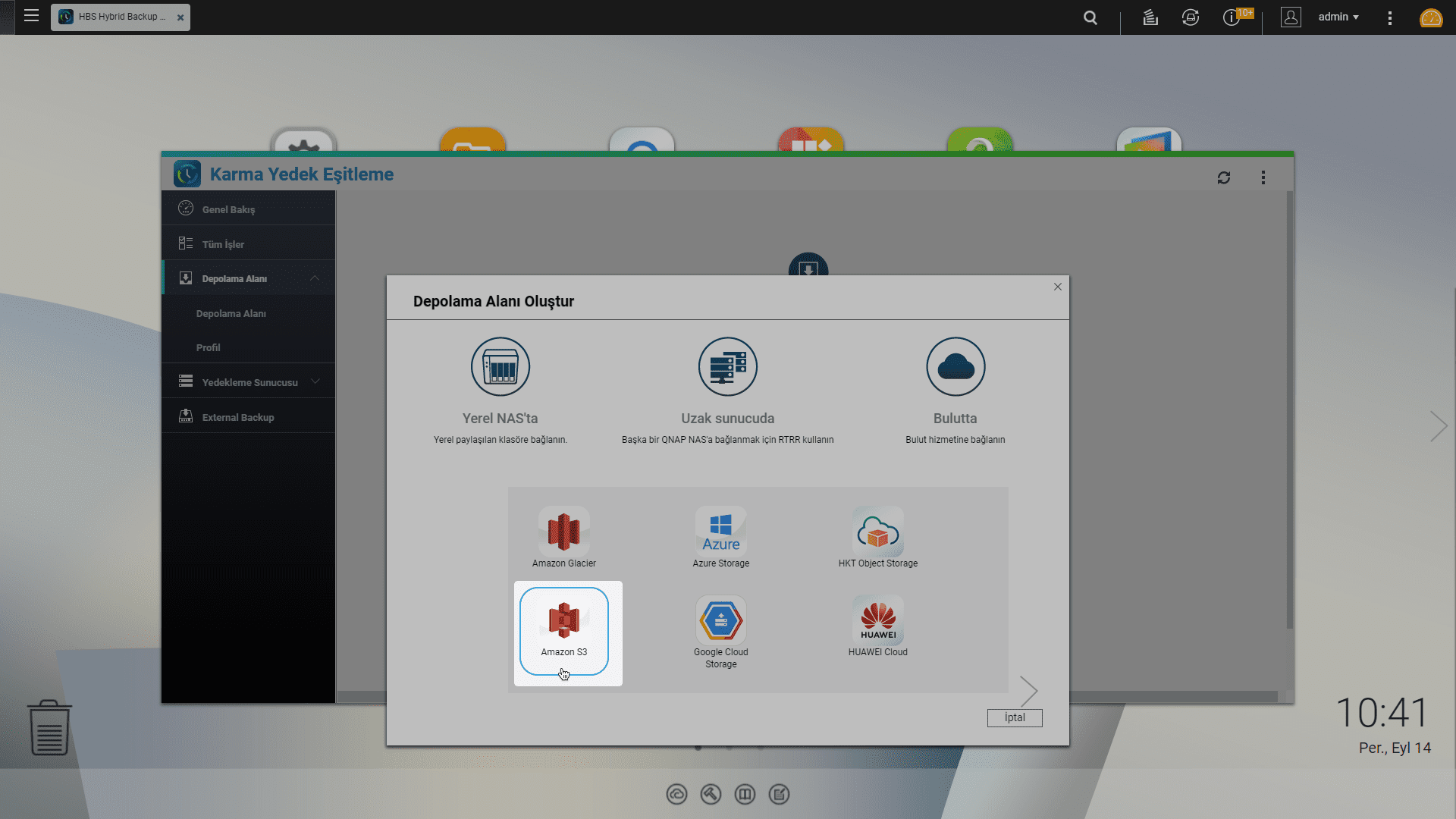
5. Select cloud storage services Amazon S3 Do it as.
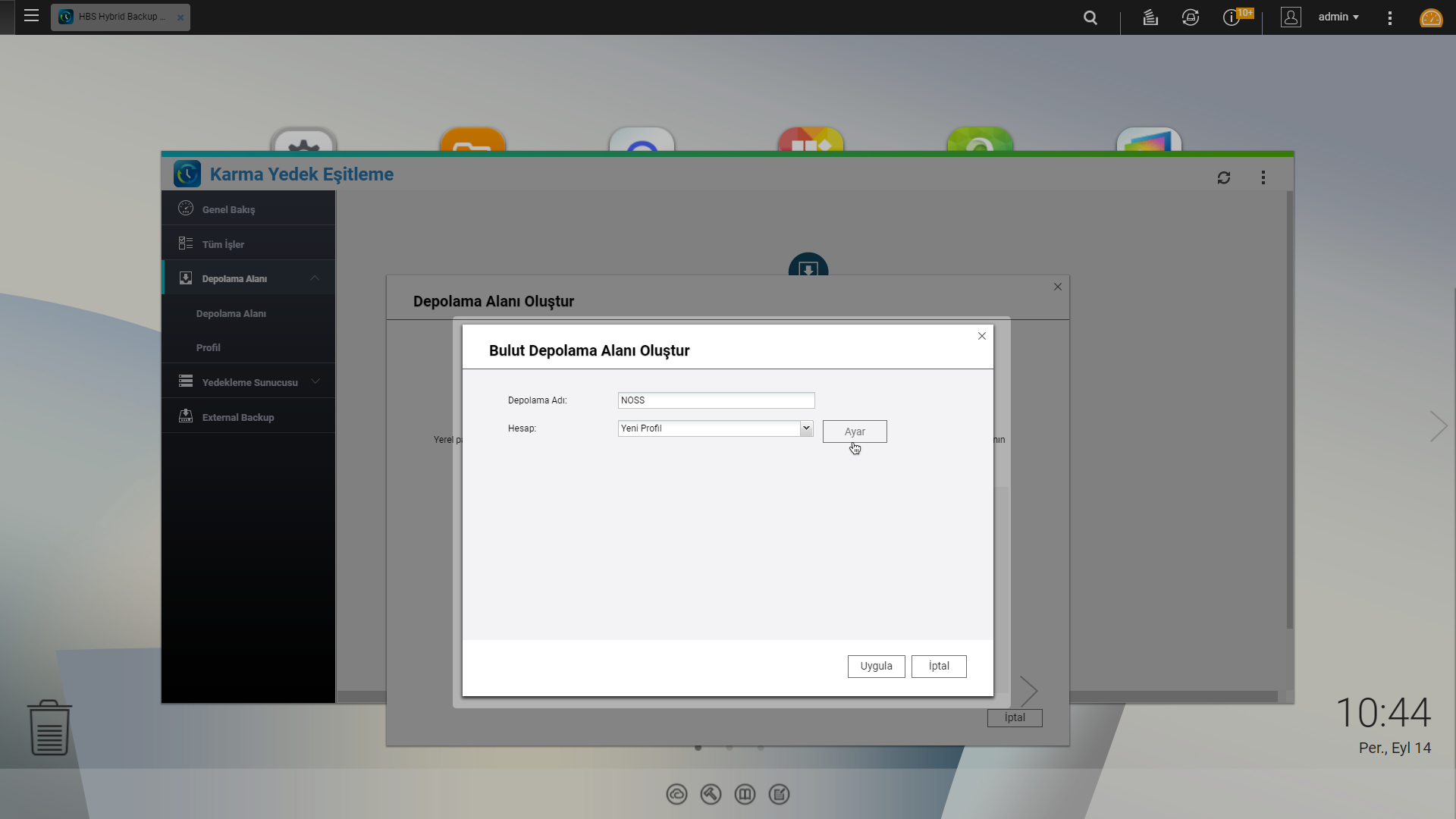
6. Give the storage a name and click on the account section to enter access information. Ayar Click the button.
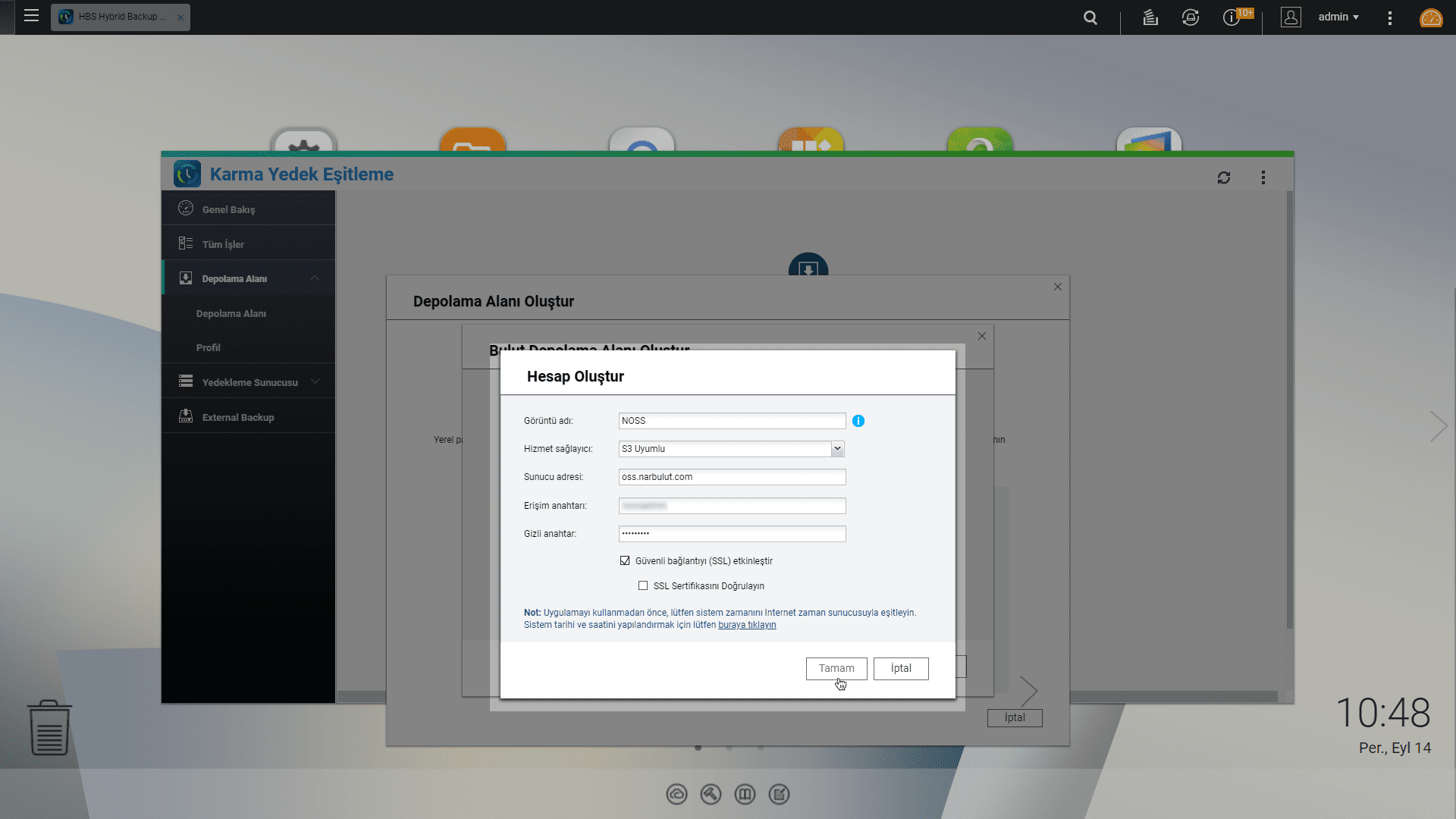
7. Give a display name to the account you will create. Choosing a service provider S3 Uyumlu and fill in the remaining fields with the access information provided to you by Narbulut.
8. Select the Bucket from which backups will be taken based on its name and finalize the process.
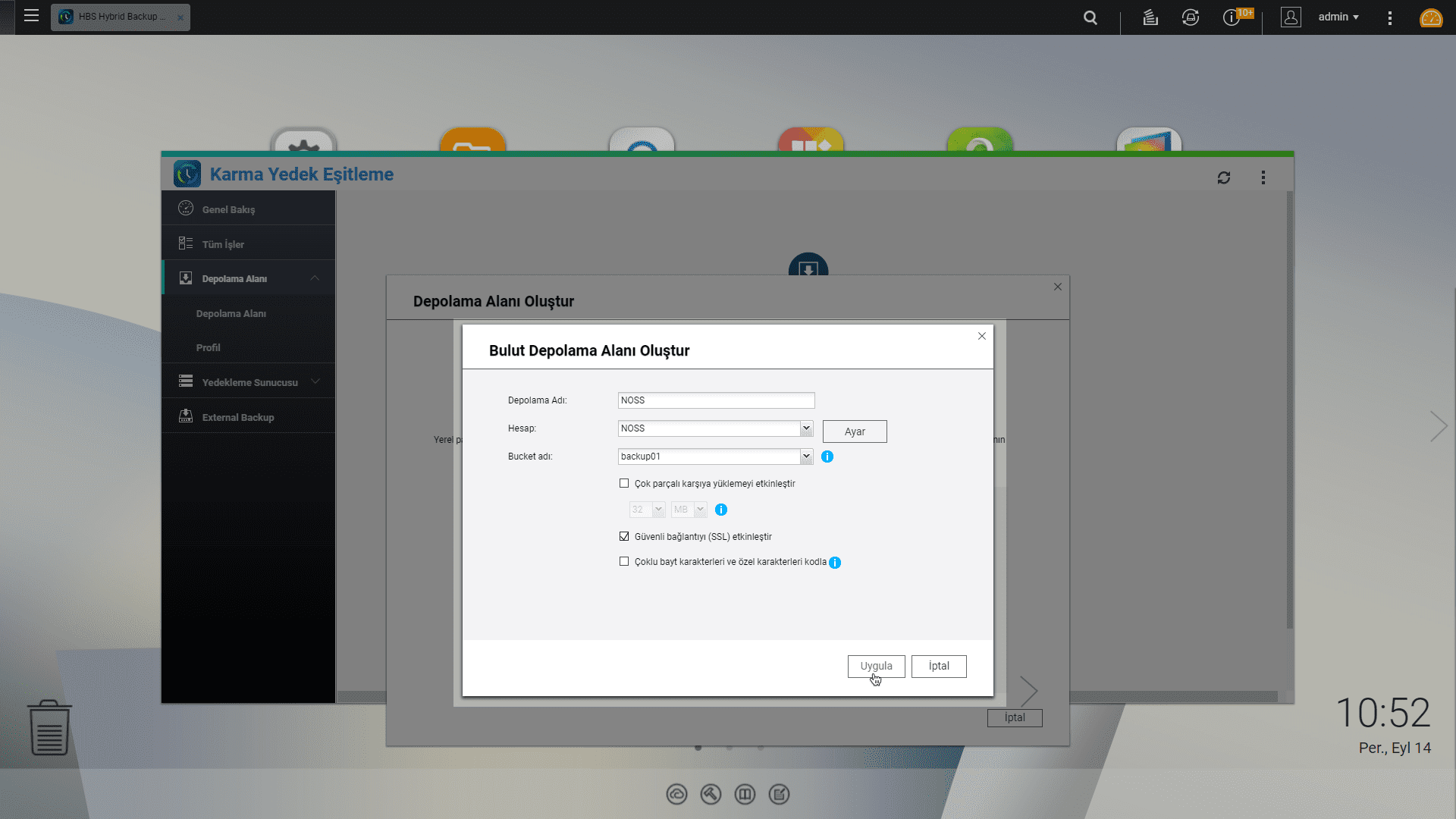
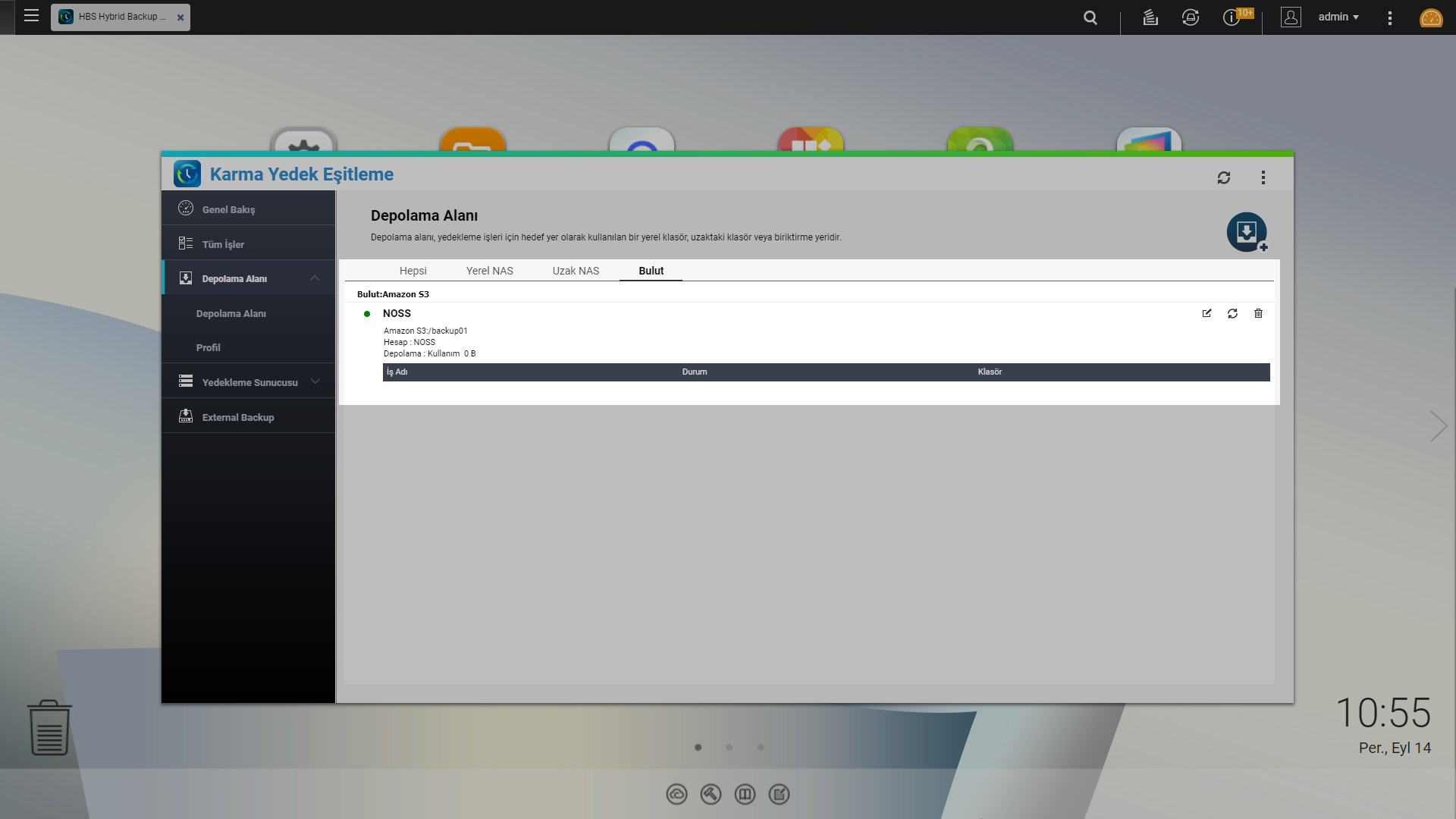
With this step Storage Space You have completed the creation process. You can take your backups to NOSS by using this storage area in your backup operations.
Pay for What You Need, Access from Anywhere
Narbulut Object Storage Service price calculator You can access special prices according to your data size by using You can access the data in NOSS from anywhere you want with the access address and information given to you by Narbulut.

