How to Back Up the Data on Your Synology NAS Devices to Narbulut Object Storage Service (NOSS S3)?
Back up easily with Narbulut!
How to Back Up the Data on Your Synology NAS Devices to Narbulut Object Storage Service (NOSS S3)?
What is Object Storage?
Object Storage is a storage architecture used in cloud computing that allows users to store large amounts of files and access these files from anywhere. The Object Storage storage method stores users’ files in buckets as objects, each with a unique key.
Narbulut’s Object Based Storage Service
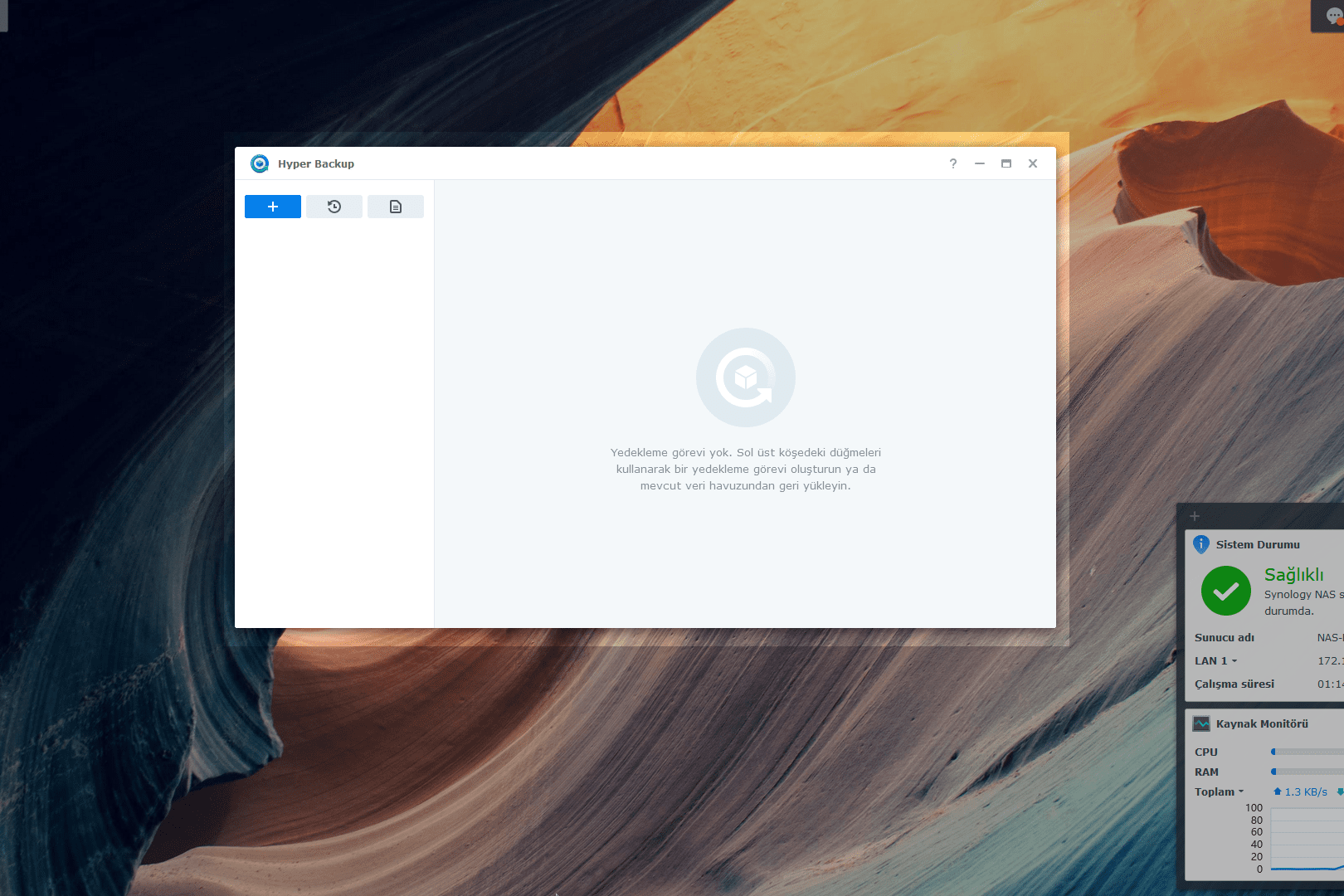
You can store your data in Narbulut Object Storage Service (NOSS), Narbulut’s object-based storage infrastructure. This article; It will talk about how to create a backup task that uses NOSS as storage on Synology NAS devices, on Hyper Backup, the backup software developed by Synology.
Using NOSS as Storage
1. Hyper Backup enter the application. (If the application is not installed on your device Paket Merkezi Download the application from.)
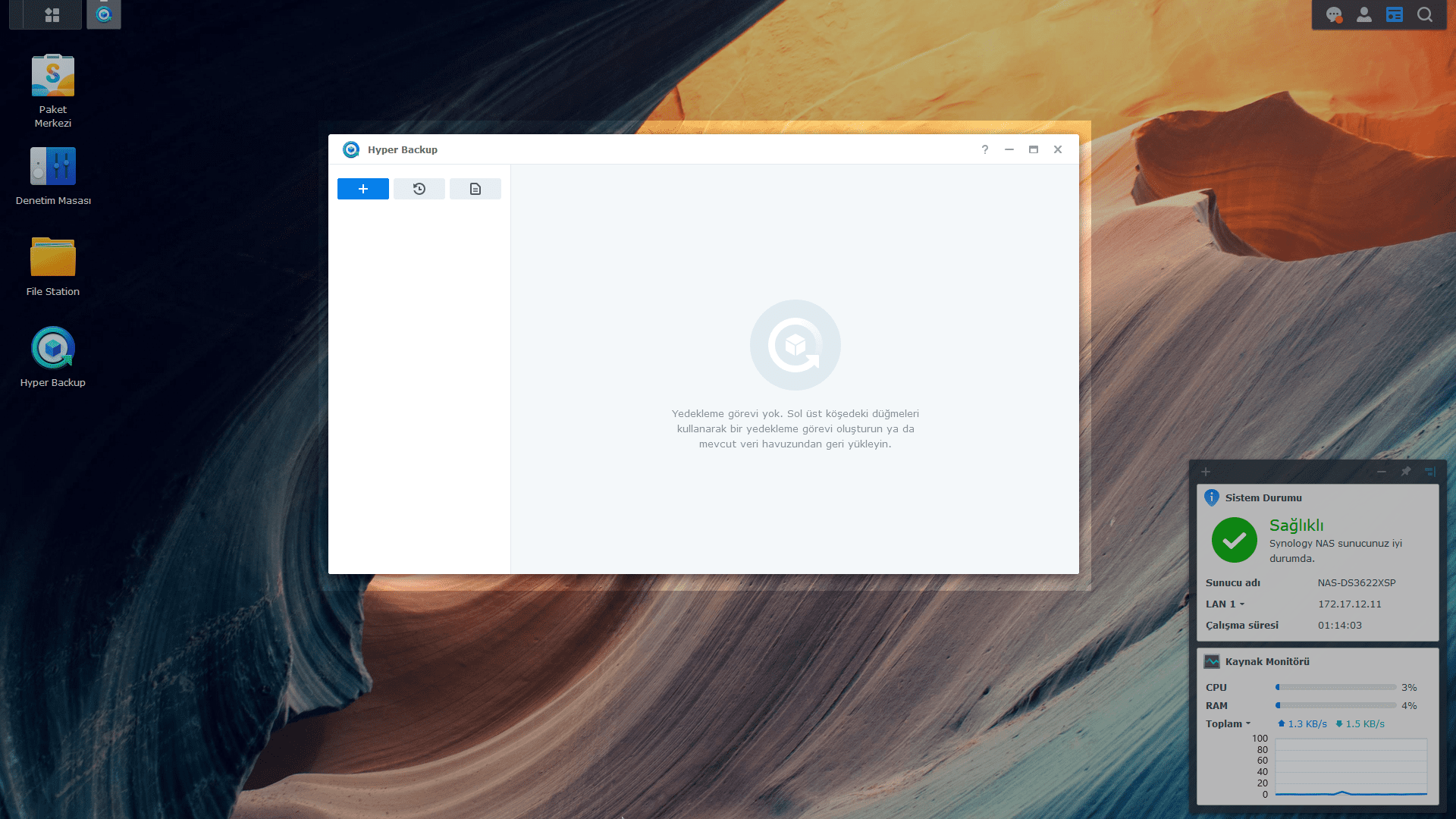
2. + (Create) by clicking the button Data Backup Task select.
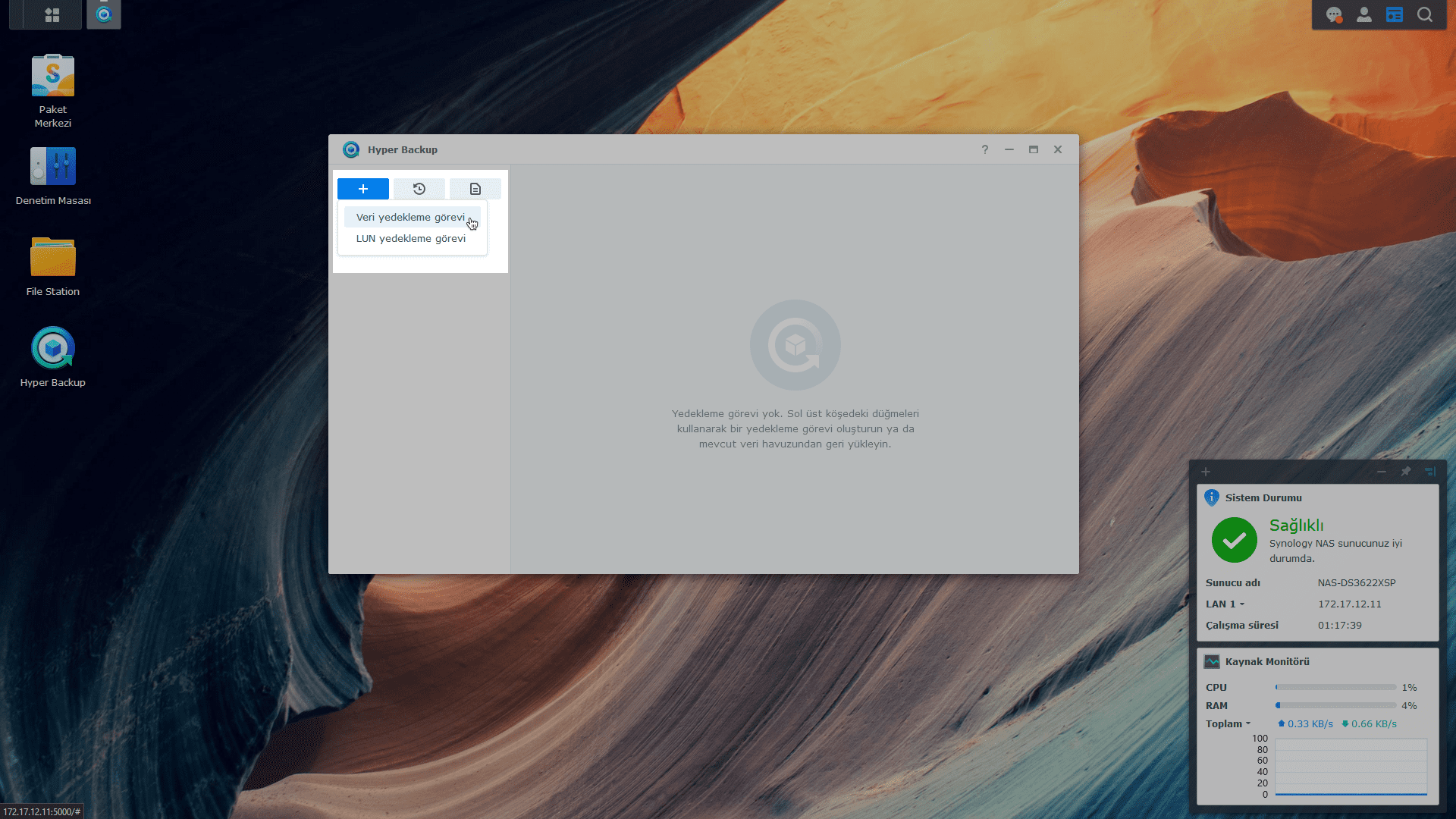
3. Yedekleme hedefini S3 Depolama Select as.
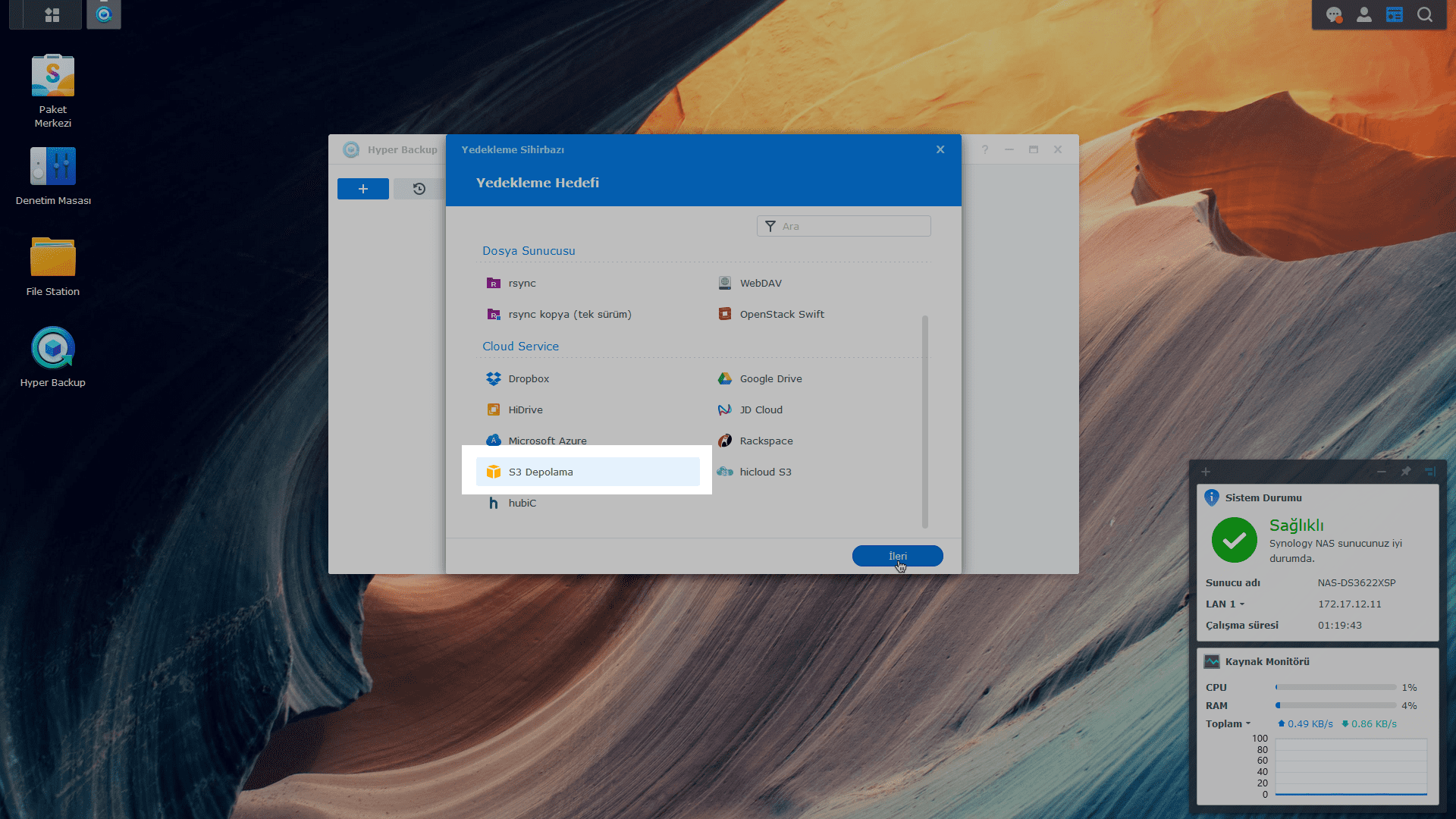
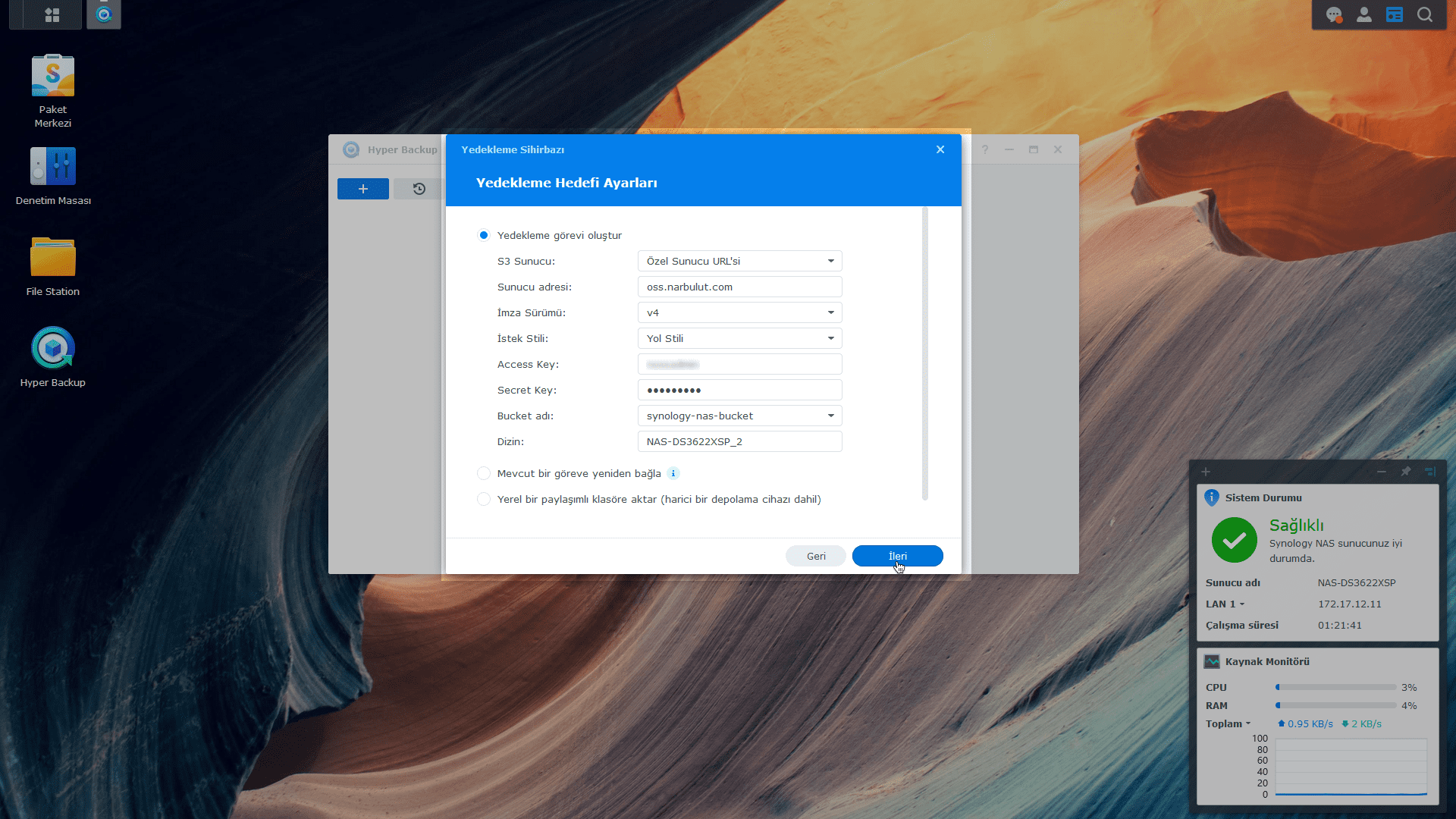
4. Adjust the backup destination settings. S3 Server selection Private Server URL Do it as. signature version v4 Select as. Request style Yol Stili Select as. Fill in the remaining fields with the access information provided to you by Narbulut and specify the directory path where the backups will be stored.
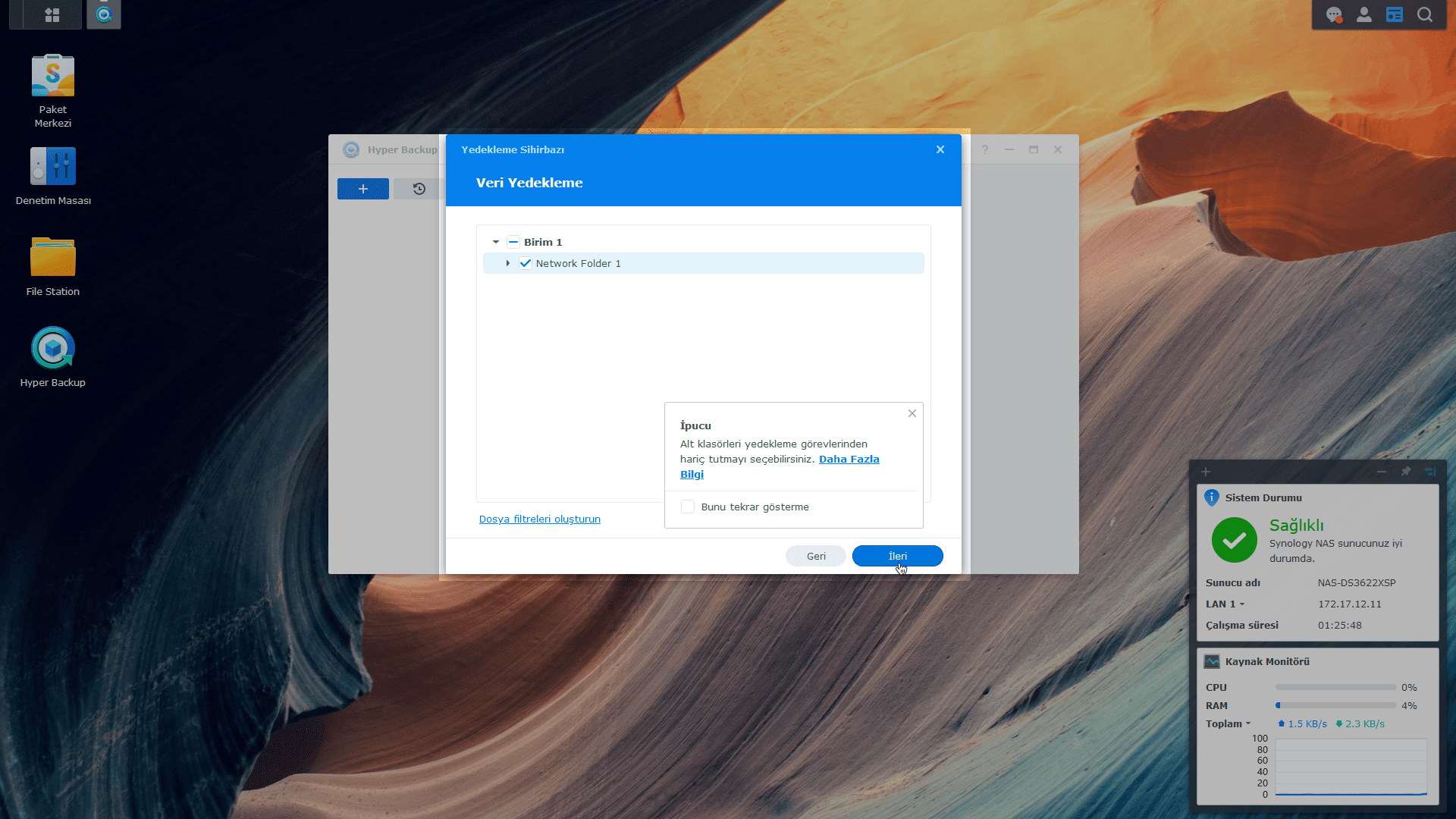
5. Select the data to back up.
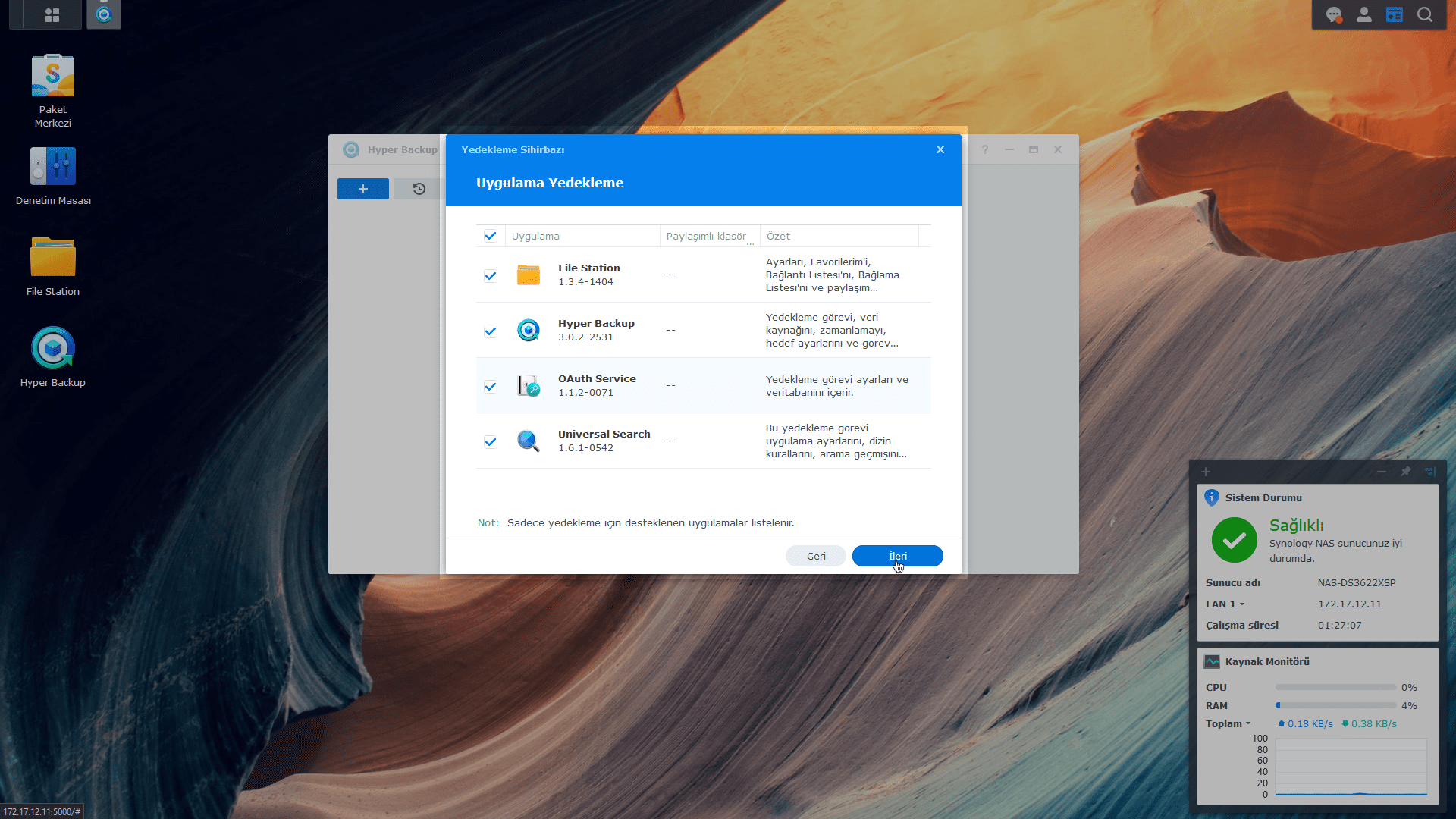
6. Select the application data to back up.
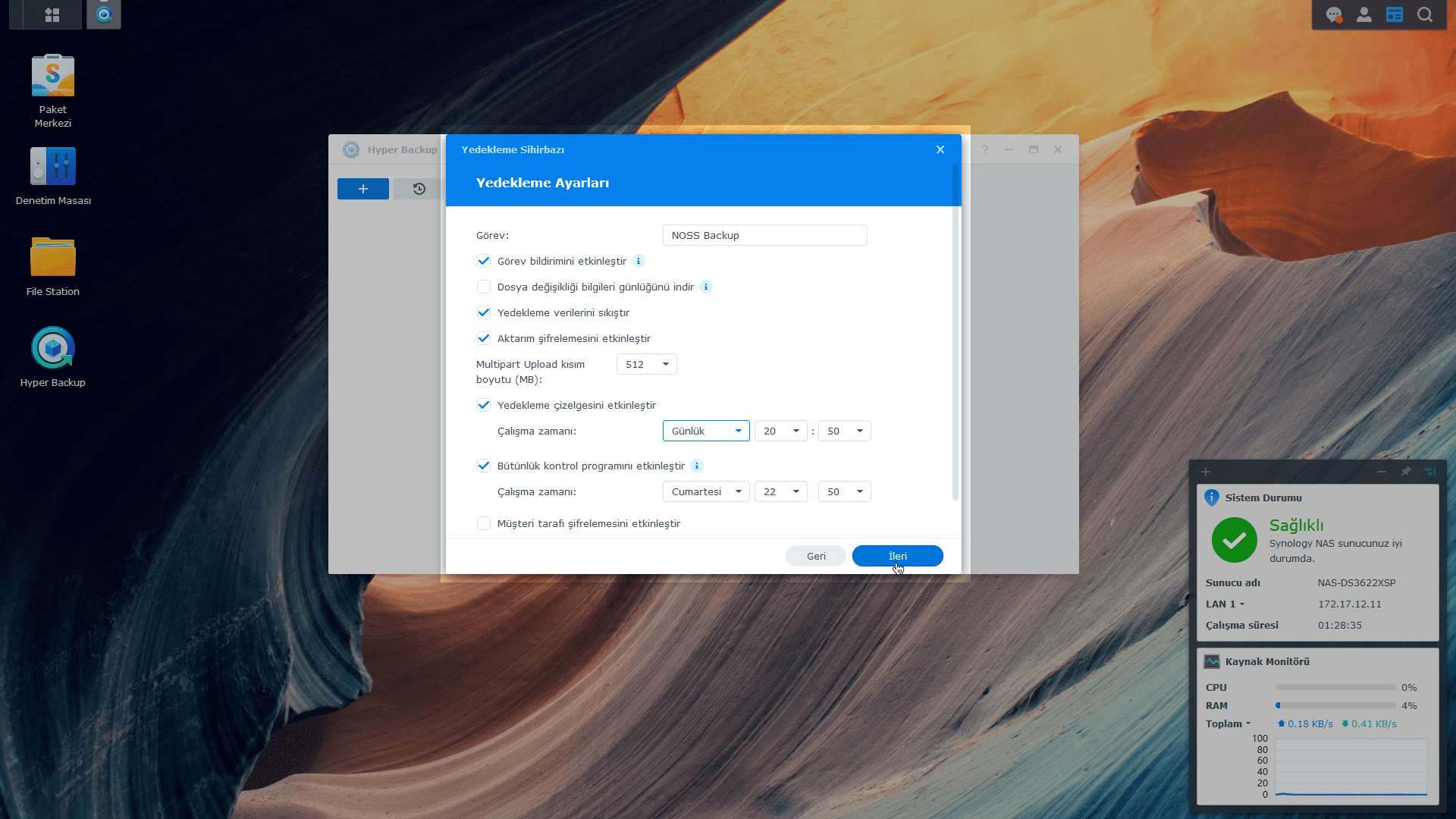
7. Give the backup job a name and configure settings for the job.
8. Define a retrospective retention policy for backups, if you wish.
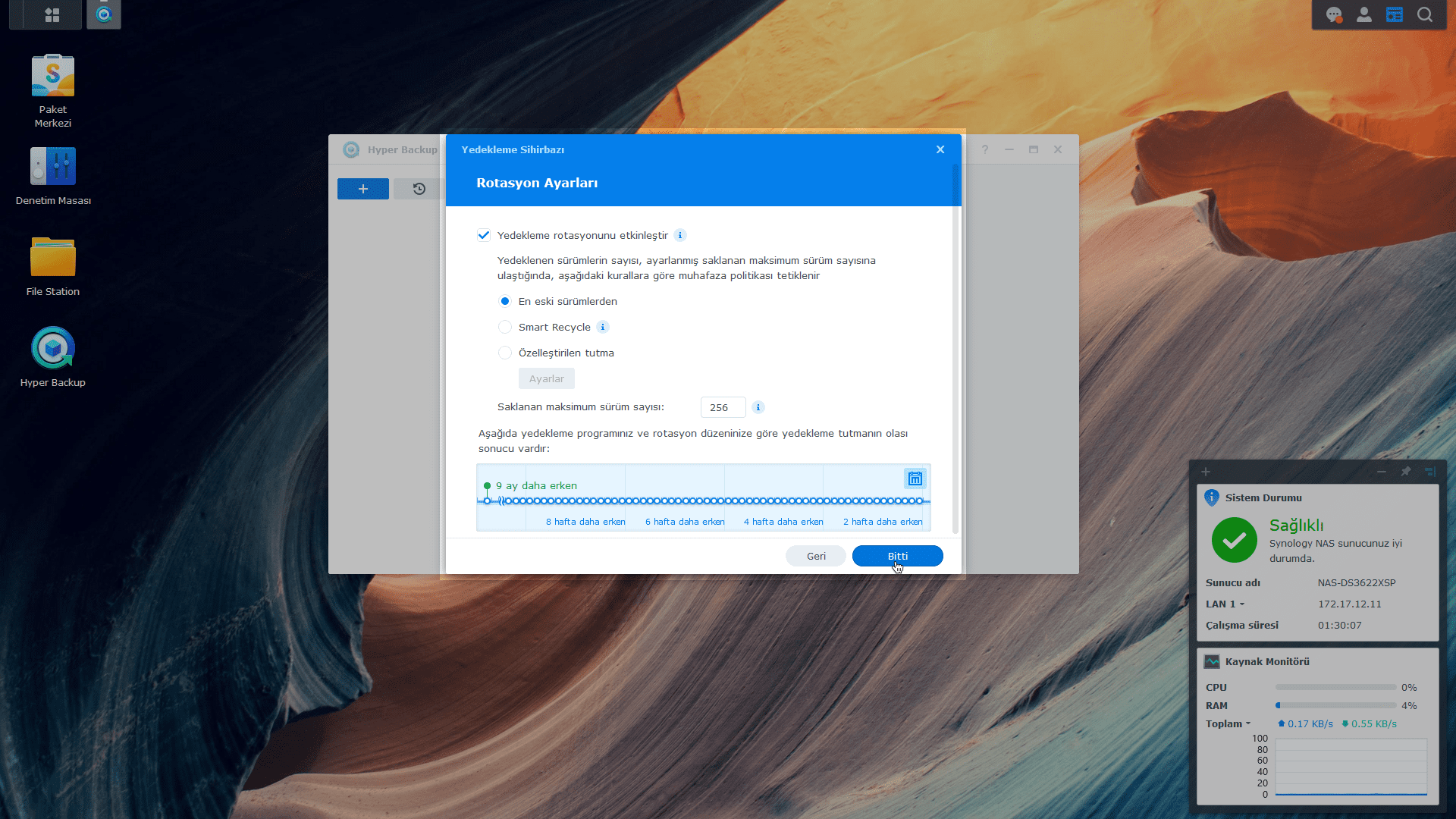
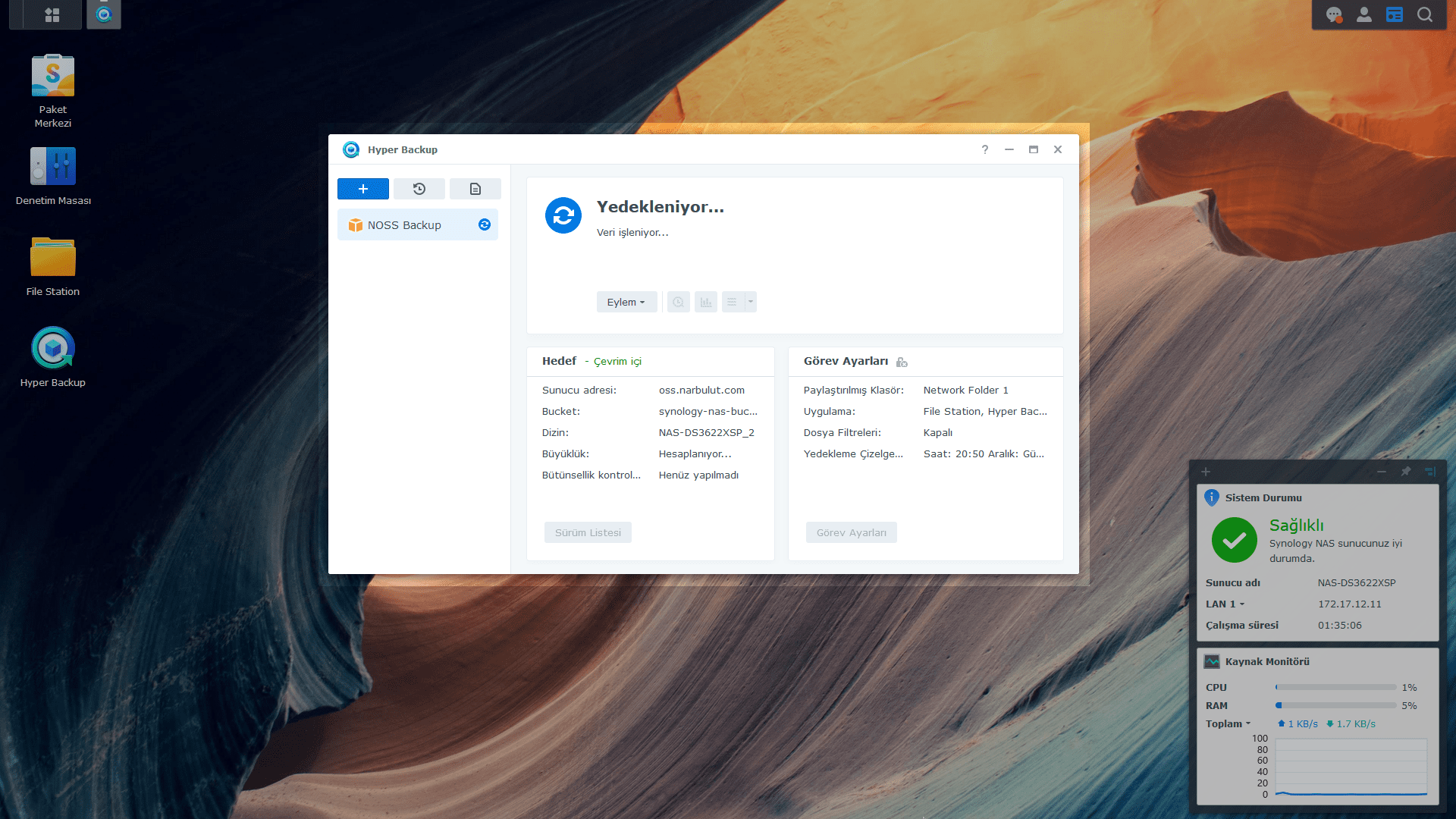
With this step Backup Task You have completed the creation process. The task you create will back up the data you choose to NOSS at the time intervals you choose and in the way you choose. Appears after the process is completed Back Up Now? diyalog penceresinde Evet’i You can start the task immediately by checking it.
Pay for What You Need, Access from Anywhere
Narbulut Object Storage Service price calculator You can access special prices according to your data size by using You can access the data in NOSS from anywhere you want with the access address and information given to you by Narbulut.

